Verify your global informations
Go to the Dashboard on your organization page and fill all your informations.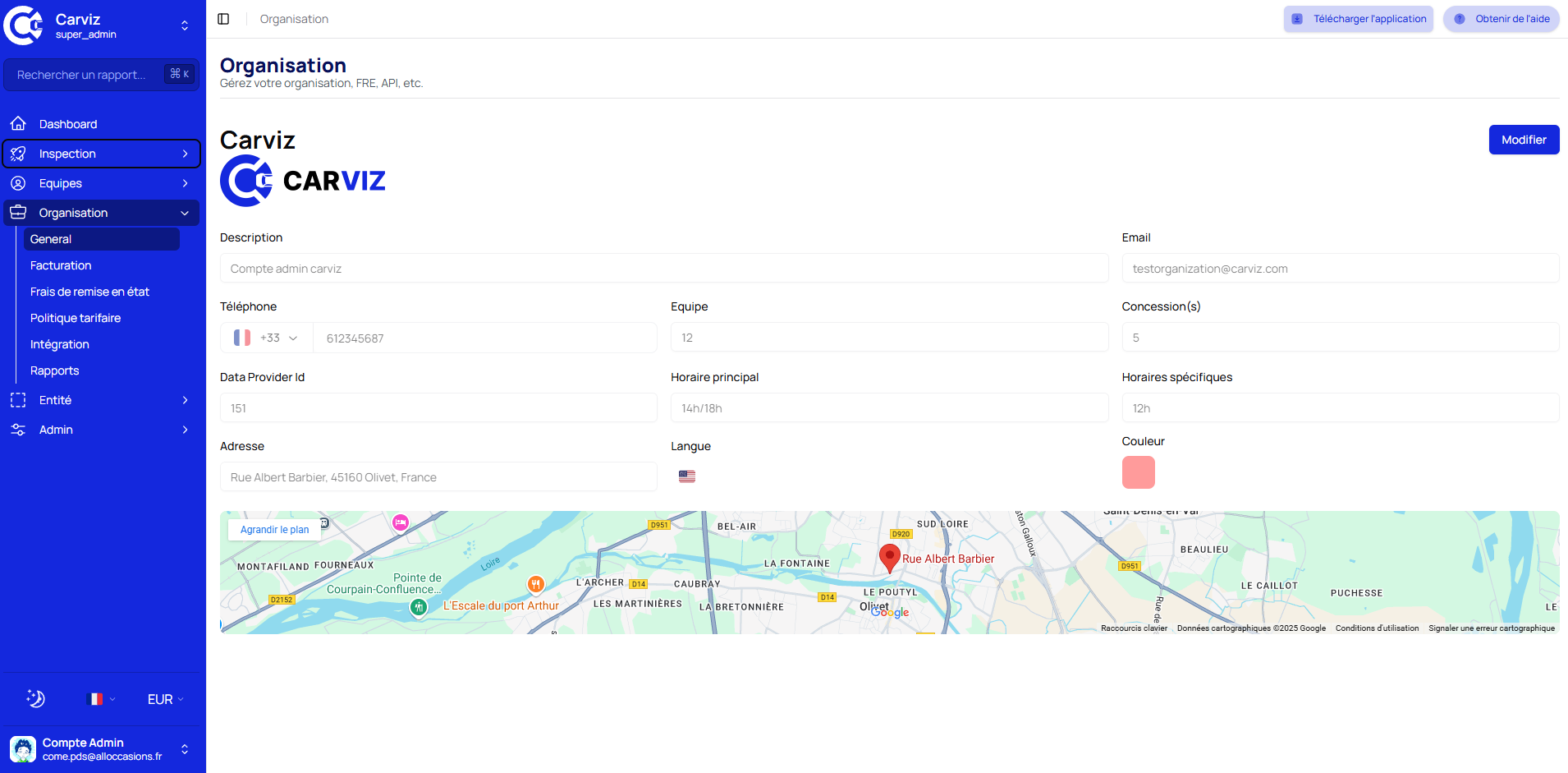
Setup your Restoration costs
You can review all your costs for each pieces on the Restoration page, you can sets time to repair and also hourly rates.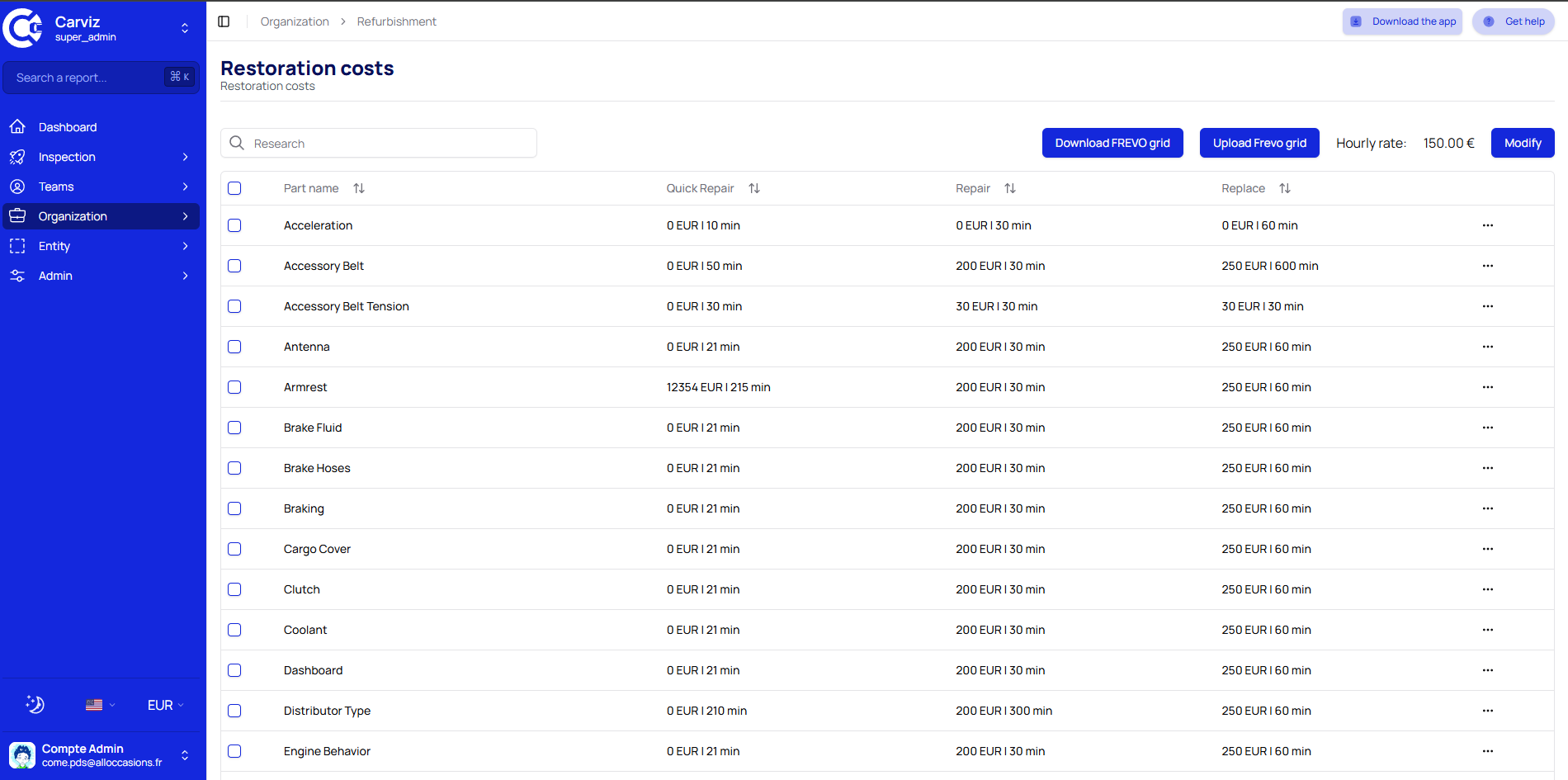
Add your Pricing Policy
You can select price for tires packages, you desired mechanical costs, margin and more on the Organization Pricing page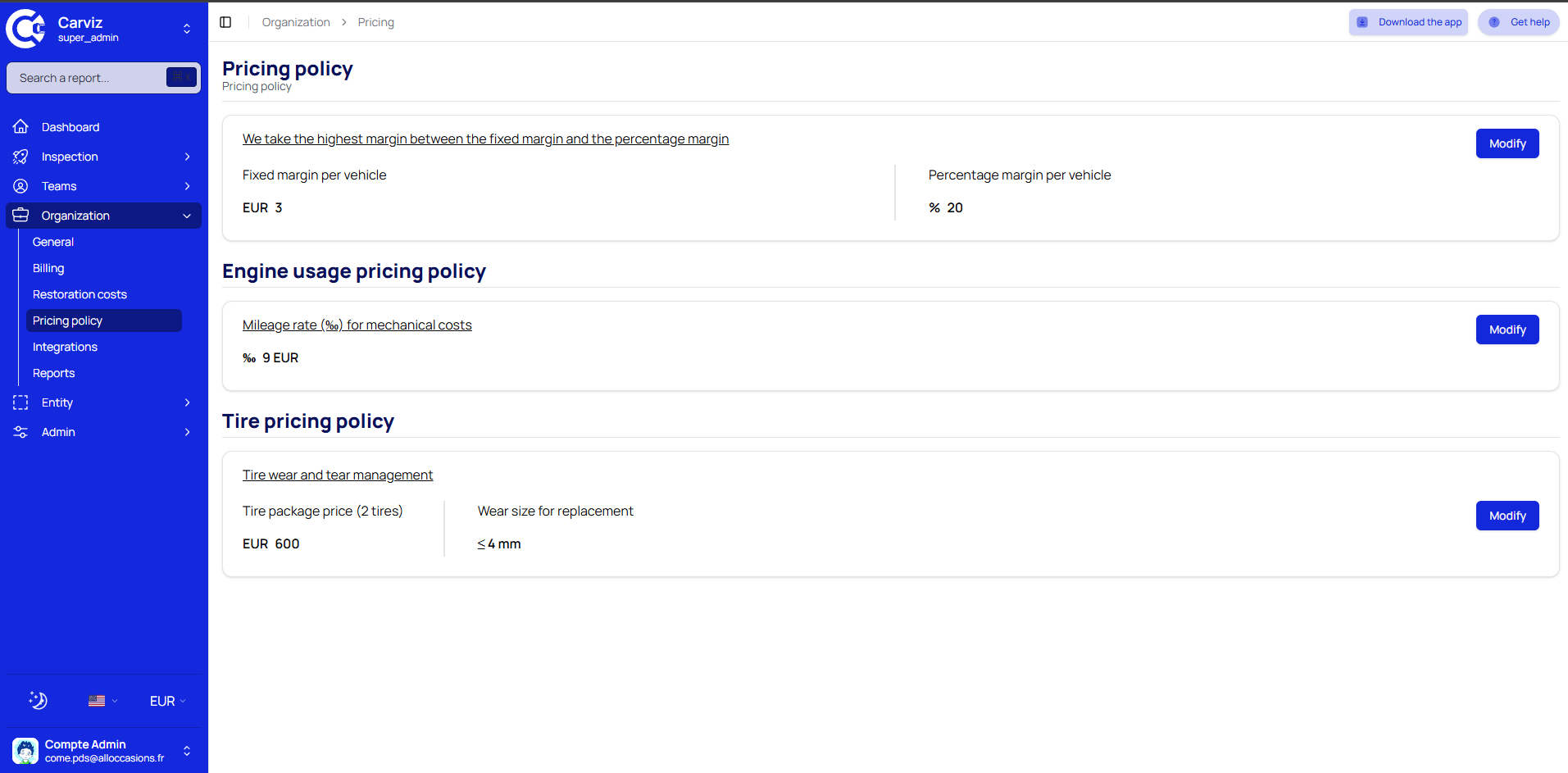
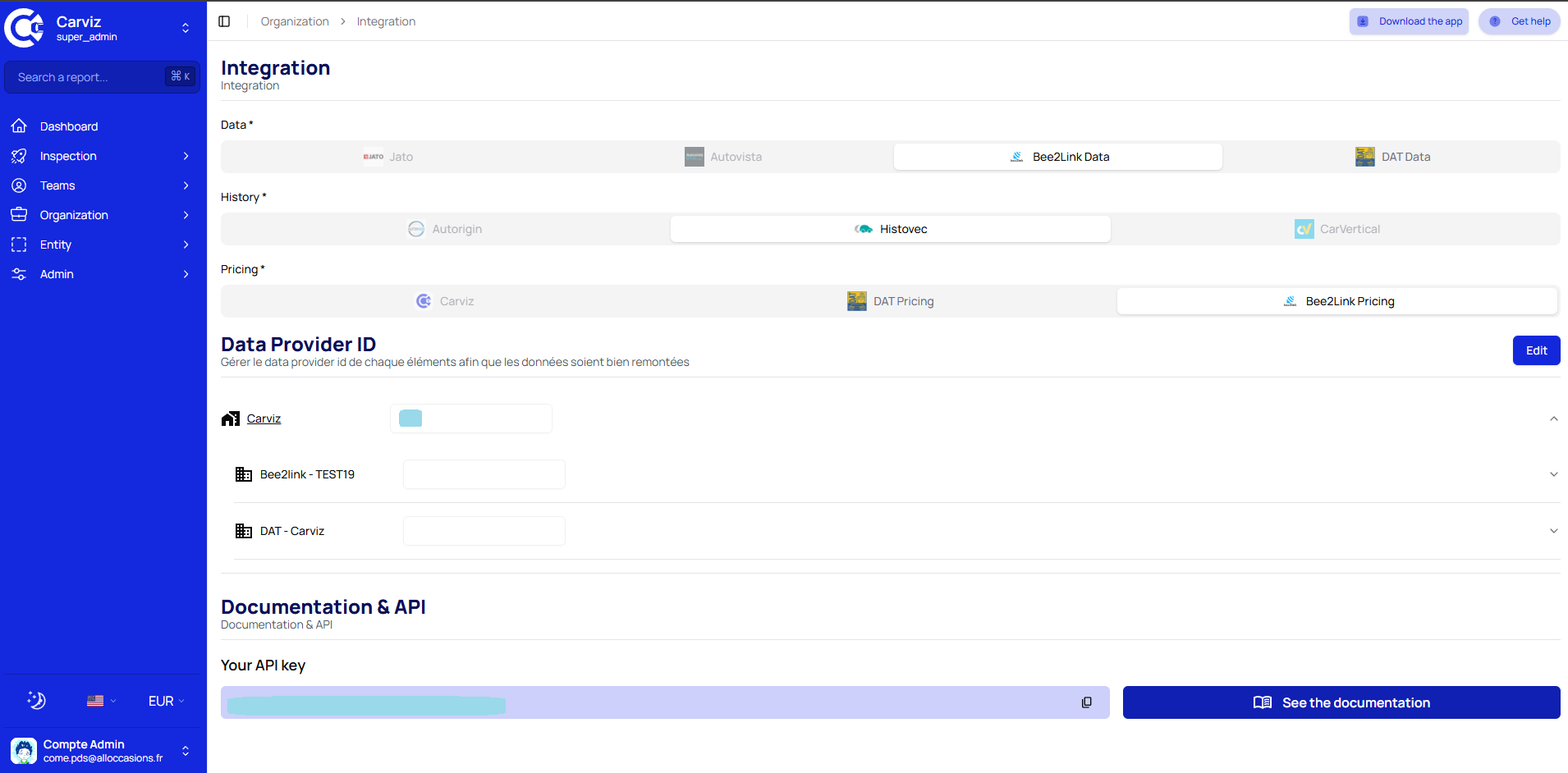
Choose your data provider and pick your API Key
You have to select your Data provider, your History Provider and your Pricing Provider. After selecting your Data provider, you need to add your Data Provider ID to your Organization, Entities, Dealerships and users. Also you can pick your API key that can be used to do API requests to our system.Integration page
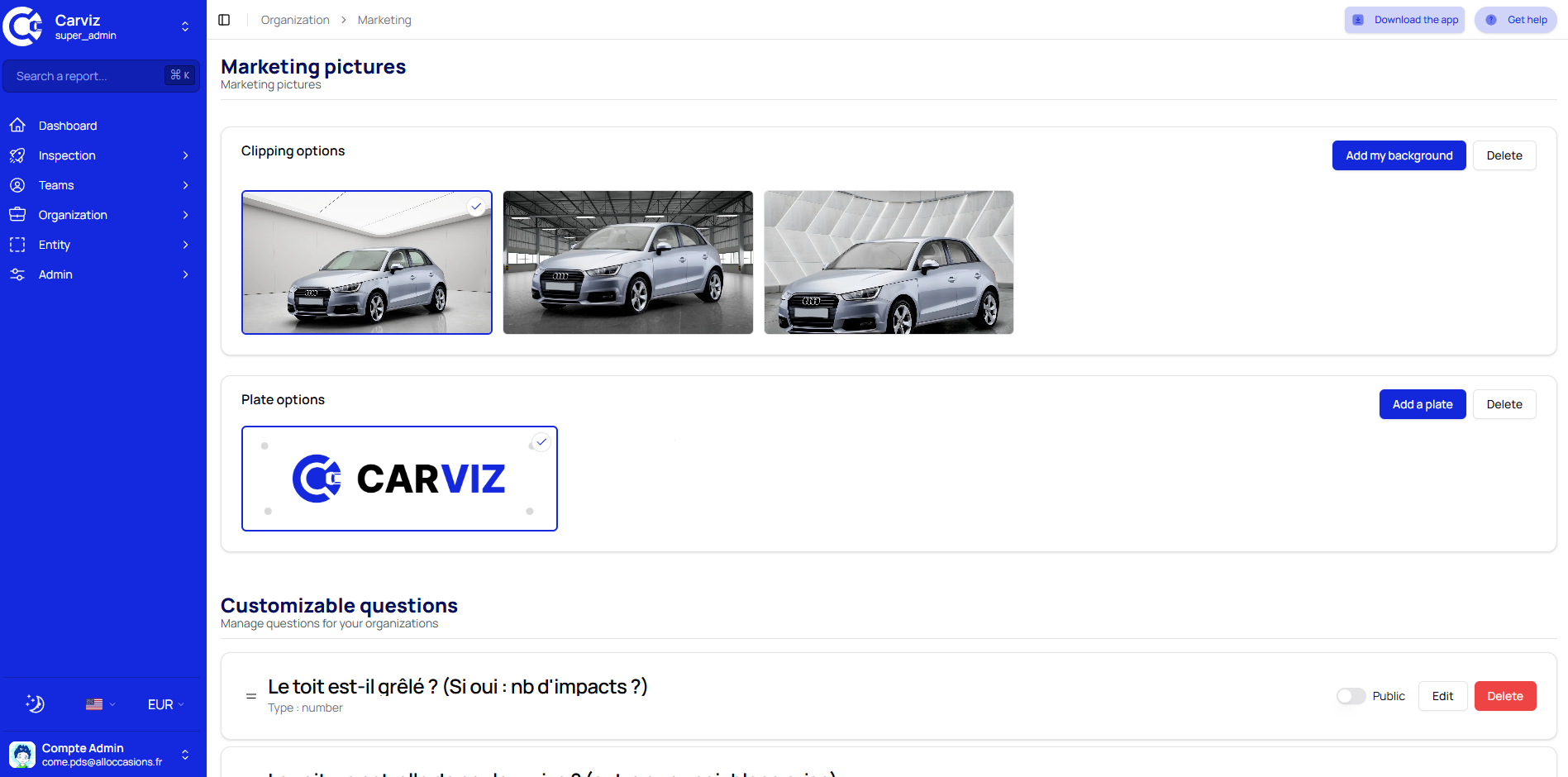
Finally edit your reports settings
You can edit reports settings such as backgrounds, license plate hidder, custom questions and more.. Reports settings page